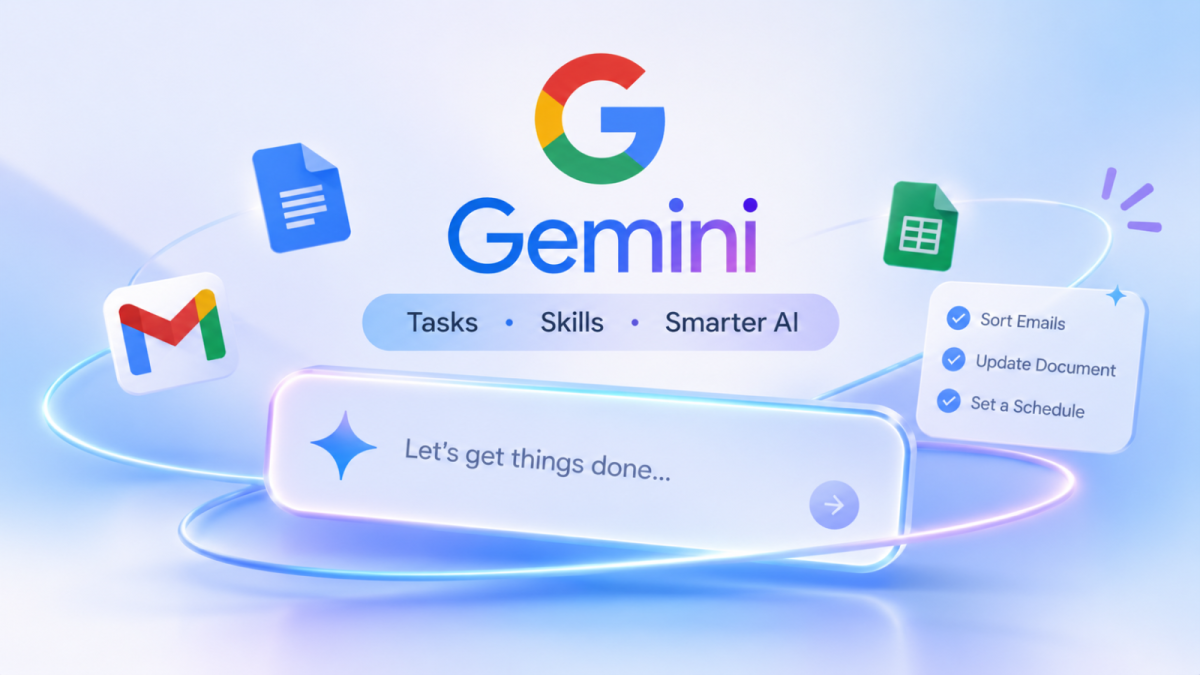
Google’s AI Helper Has Three Names
“Spark,” “Gemini Spark” and “Tasks in Gemini” all mean the same feature, though the release notes still say Spark and the plans page says Tasks.
On 17 November 2026, Google begins moving Gems to a newer feature called Skills. You can keep using your Gems until they move over, and the rollout is gradual.
Why Indian Users Should Care
On 29 July, Google’s India team said Spark was officially expanding to Google AI Pro subscribers in India over the next few weeks.
What Powers It
Spark runs on Gemini 3.6 Flash, a model Google made to help developers build AI agents faster and cheaper. When it launched in May, it used the older Gemini 3.5 Flash, so some articles still list that name. It runs in Google’s cloud, not on your phone, so it keeps working even when your laptop is closed or your phone is locked. Google hasn’t shared the model’s size, so we won’t guess.
Google’s help page splits the work into three building blocks: tasks are the what, schedules are the when, and skills are the how.
What You Need
- A paid plan. Tasks needs Google AI Pro or Ultra. Pro costs $19.99 a month in the US, and the free plan and Google AI Plus don’t include it. Beebom reported that Indian plans start at Rs 1,950 a month, but check Google’s plan page.
- A personal Google account. You must be 18 or older and have Keep Activity turned on. Work and school accounts don’t work yet.
- Realistic hopes for extras. Instacart, OpenTable and Zillow were announced for the US, so test them first.
The Easiest Way to Start
Type “set up” or “interview me” in a task, and Gemini helps you build your first skills and tasks.
Three Jobs to Try
- Sort emails. Start with one kind, like school circulars, so the results are easy to check.
- Build a self-updating document. At Google I/O, Google showed a block-party list that updated as new emails came in.
- Automate by timer or email. Tasks can run on a schedule, or a Gmail monitor can run a task when an email matches a filter you set.
The Limits, and Our Take
You can have 50 active schedules and 15 tasks running at once, and a schedule won’t run if 15 are already going. In our view, those numbers rarely matter. Google also applies usage limits based on computing power and, as one review notes, doesn’t publish them as numbers, so heavy tasks may stop sooner than you expect. Event timing is approximate too, so skip time-critical jobs.
Check Its Work
Google says to keep an eye on scheduled tasks because agents can make mistakes. For the first week, read what each task did, especially anything other people will see.