The live view takes several steps
From camera capture to the controller screen
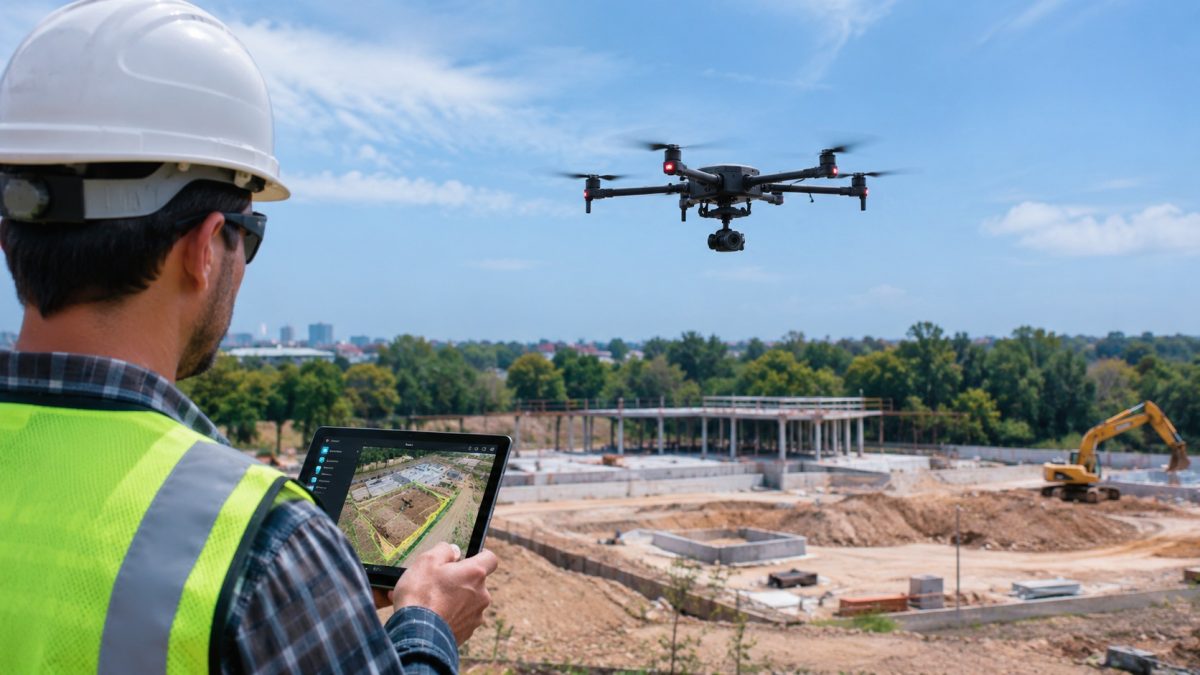
When you fly a drone, the picture on the controller is not usually sent straight from the camera to the screen as a simple, instant signal. The camera captures frames, the aircraft processes and compresses them, a radio link sends the data, and the controller decodes and displays the video. Each step takes time.
The delay between what is happening in front of the drone and what appears on the screen is called latency. A small delay is normal. A larger delay can make the aircraft seem to react late, even when it is only a short distance away. The distance between the drone and controller is just one part of the connection.
Radio interference can slow the feed
Distance is not the only signal factor
Most consumer drones use radio links that carry control commands and live video. Nearby Wi-Fi networks, other radio devices, mobile equipment and other drones can add interference. When the receiver has trouble separating the wanted signal from competing signals, the video may become choppy, freeze briefly or reduce in quality.
DJI’s video-transmission guidance lists transmission power, signal attenuation, physical obstruction and electromagnetic interference as factors that affect the link. A drone in a busy area can therefore have a weaker feed than one farther away in a clear, open location.
A nearby building, tree canopy or even the pilot’s body can partly block the signal. Radio waves do not always travel in a straight, clear path through obstacles. If the drone is behind a wall or low on the far side of a structure, the link may be weaker than expected. Moving to a position with a clearer line of sight can help, where flight rules and safety allow.
The video settings create a trade-off
Resolution, bitrate and frame rate
Live video has to fit within the available radio bandwidth. A higher resolution or bitrate can carry more visual information, but it also needs more data to be transmitted. If the connection cannot support that data rate reliably, the system may lower the image quality, drop frames or show interruptions.
DJI’s Transmission FAQ explains two broadcast image-quality options. HD mode uses a higher 40 Mbps bitrate for better live-feed quality but offers fewer available channels. Smooth mode uses 20 Mbps, giving lower image quality but allowing more channels. DJI also advises users to avoid adjacent channels when several transmitters operate together. These settings apply to DJI Transmission equipment; other drone systems may work differently.
Frame rate matters too. A 60-frame-per-second feed has more frequent images than a 30-frame-per-second feed, but the system must process and send those frames. The best setting is not always the highest one. A stable, clear preview can be more useful than a sharper feed that repeatedly freezes.
The controller screen adds its own delay
Decoding and display processing
Even after the video reaches the controller, it must be decoded and displayed. The controller or connected phone may be busy running maps, recording screen activity, handling background apps or managing a bright display. Older hardware or a device that is running hot may take longer to process the feed.
Cables, adapters and external monitors can add more steps in some setups. DJI’s SDR Transmission specifications give two latency figures: 35 ms without camera and screen-display delay, and 80 ms when those delays are included. The figures were measured at 1080p/60fps with Broadcast mode off. This shows why a latency number needs context: the result depends on where the measurement starts and ends.
Live preview is not the same as the recorded file
Preview quality versus saved footage
The live view is designed to help the pilot control the aircraft. It may use a lower bitrate, smaller resolution or different compression setting to keep the radio link responsive. The camera may record a higher-quality file to its memory card at the same time.
That means a soft or blocky controller preview does not always mean the saved video will look the same. But do not assume the recording is perfect either. Check the original file after landing, and confirm the selected resolution, frame rate, focus and exposure before the flight.
If the saved file itself has missing frames or poor quality, the issue may be with camera settings, storage, overheating or the recording process rather than the live transmission.
What to check when the feed lags
A practical pre-flight checklist
First, check the signal indicators and any warnings in the flight app. Keep a clear path between the controller and aircraft, and avoid flying behind buildings or dense trees. In a busy radio environment, use the channel-selection options recommended by the manufacturer. Close unnecessary apps on a phone or tablet and keep the controller software updated.
Before an important flight, test the feed at a safe distance and review a short recording. If the video freezes, do not rely on the screen alone to judge the aircraft’s position. Maintain visual awareness as required by local rules and follow the drone’s signal-loss