A low rental price can still become an expensive mistake
Renting a drone makes sense when you need one for a weekend shoot, property video, wedding, farm survey or short project. You avoid the full purchase cost, storage and long-term maintenance. But the rental fee is only one part of the deal. A large security deposit, unclear damage charges or missing paperwork can turn a cheap rental into a costly headache.
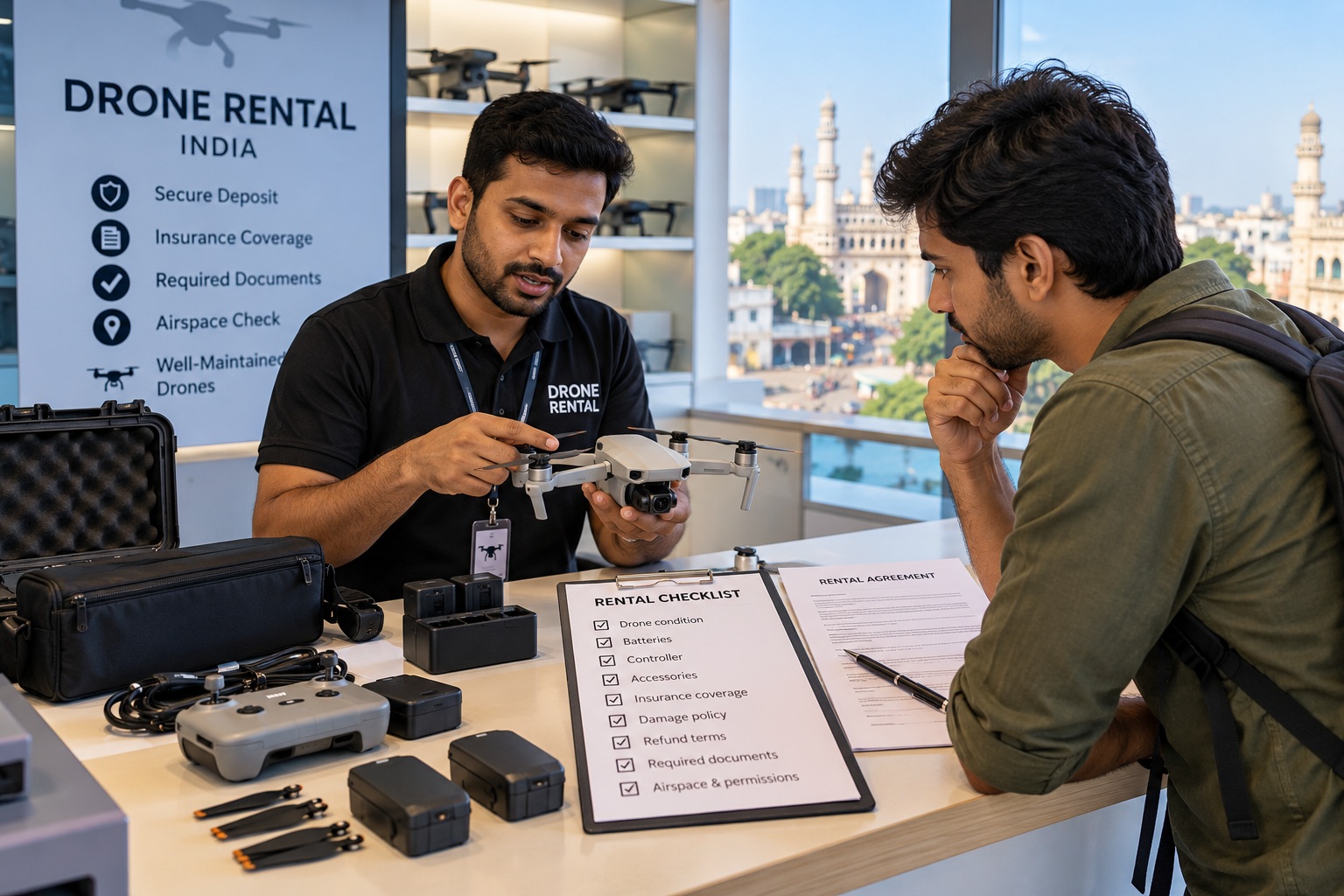
Before transferring money, treat the rental like an equipment-hire contract. Confirm exactly which drone and accessories you will receive, their condition, who may fly, what insurance covers and when your deposit will be returned. Get the important terms in writing—not just in a phone call.
1. Verify the person or company renting out the drone
Ask for the rental provider’s full name or business name, phone number, physical address and a proper receipt or invoice. If you are renting through a marketplace or social-media page, check whether the provider has a verifiable history, customer reviews and a consistent business identity.
Be cautious if the provider refuses basic details, insists on an immediate UPI transfer to an unrelated account, or will not issue written confirmation. For a high-value drone, ask for proof that the provider owns the equipment or is authorised to rent it out. Record the model, serial number and included accessories on the handover sheet.
2. Understand the deposit before paying it
There is no single government-fixed security-deposit amount for every drone rental. The provider sets its commercial terms, so compare the deposit with the drone’s model, condition, rental duration and written damage policy. Ask why the amount is being collected and whether it is refundable in full after a normal return.
Get clear answers to these questions:
What exact amount is the refundable security deposit, and is it separate from the rental fee?
When will it be refunded—immediately after inspection or within a stated number of working days?
Can the provider deduct cleaning, late-return, repair or replacement charges? Ask how these are calculated.
Will you receive photos, a condition report and an itemised deduction statement if money is withheld?
What happens if the drone develops a technical fault during normal use?
Is any part of the deposit non-refundable, and if so, why?
Avoid vague clauses such as “deposit may be deducted as required” without a defined process. A fair agreement should distinguish accidental damage, normal wear and tear, pre-existing defects, misuse and loss. If the provider wants to retain the full deposit after a minor issue, you should know that before paying.
3. Inspect the drone and record its condition
Inspect the body, arms, landing gear, propellers, motors, camera, gimbal, battery bay and controller. Look for cracks, loose parts, bent propellers, swollen batteries, water marks or signs of a previous crash.
Power it on and check for warning messages, compass or IMU errors, battery-health alerts, camera-feed problems and gimbal movement. Confirm that the controller connects and the battery charges. If a safe test flight is possible and lawful at that location, ask the provider to demonstrate basic controls and return-to-home behaviour.
Take timestamped photos or a short handover video showing the drone from all sides, serial-number label, batteries, controller and accessories. Send the photos to the provider through a channel that keeps a record. Both sides should acknowledge existing scratches or faults in writing.
Do not accept a drone with a known fault on the promise that it “usually works”. Ask for a replacement or have the defect and agreed responsibility recorded.
4. Check every item included in the rental
A drone kit is more than the aircraft. Missing or incompatible accessories can disrupt a shoot and later become a deposit dispute. Ask the provider to list every item being handed over and the replacement value of expensive accessories.
Remote controller and required cables
Batteries, battery hub and approved charger
Propellers and spare propellers
Gimbal cover, carrying case and protective accessories
Memory card, if included, and its capacity
ND filters or other camera accessories, if promised
Power adapter and charging cables
Count the batteries and note their visible condition. Confirm whether the memory card is supplied or whether you must bring your own. If it contains the provider’s previous footage, agree how files will be cleared and who is responsible for backing up or deleting them. Never assume an accessory is included just because it appears in a promotional photograph.
5. Ask what insurance covers—and what it does not
Do not treat the word “insured” as a complete answer. Ask for the insurer’s name, policy period and a copy or summary of the relevant policy wording. Check whether cover applies to this specific drone, the intended activity, location and person who will operate it.
Ask separately about damage to the drone itself, third-party injury or property damage, theft, transit and accessories. These are different risks and may be treated differently by the policy. Check deductibles, exclusions, reporting deadlines and whether unauthorised flights or commercial use affect cover.
Most importantly, ask who bears the cost if the insurer rejects a claim. A rental agreement may make the renter responsible for some or all of the loss even when the provider has insurance. Get that allocation in writing. Never assume insurance covers every crash, flyaway, theft or careless act.
6. Verify the drone’s documents and your flight responsibilities
India’s Drone Rules, 2021 set the framework for drone registration, type certification, remote-pilot requirements and operations. The rules include registration and Unique Identification Number (UIN) requirements, subject to specified exemptions. Ask the provider for the drone’s model details and applicable registration or exemption information before taking possession. [1]
DGCA guidance tells remote pilots to fly only drones that are type-certified and registered where required, hold the applicable Remote Pilot Certificate (RPC), check airspace before every flight, maintain visual line of sight, complete pre-flight checks and ensure valid third-party insurance. It also says not to fly in yellow or red zones without relevant permission. [2]
Do not assume renting the aircraft automatically gives you permission to fly it. Pilot qualification, drone category, purpose, location and current airspace restrictions all matter. Exemptions are specific; do not apply an exemption to a different drone or use case without checking current rules.
Before each flight, check the current airspace status on official Digital Sky/eGCA resources and obtain any required permission. A green-zone location is not a blanket approval to ignore safety rules, local restrictions, temporary restrictions or privacy. [2][3]
If the provider says “no licence or permission is ever needed”, ask them to explain the exact exemption and point you to the official rule. For commercial or specialised work, confirm applicable requirements with DGCA or a qualified professional rather than relying on a casual assurance.
7. Put the rental period and return process in writing
The agreement should state the collection date and time, return deadline, permitted use, operating area and support contact. Clarify whether travel time, weather delays or project cancellation can extend the rental. If an extension is possible, agree on the extra daily or hourly charge before the original deadline.
Ask how the drone should be returned: battery charge level, equipment packed in its case, memory card removed or retained, and whether inspection will happen in your presence. Agree on a reasonable inspection window and deadline for raising damage claims. A provider should not invent a new charge weeks after return without evidence.
If the drone stops working, loses connection or shows a serious warning, stop flying and contact the provider. Do not attempt repairs, firmware changes or part replacements without permission. Save photos, video and error messages. The agreement should explain whether a replacement, refund or rental-time adjustment is available when equipment fails through no fault of yours.
8. Watch for these red flags
The provider refuses to share the drone model, serial number or ownership details.
The deposit is demanded immediately, but no receipt or written terms are offered.
There is no handover inspection, and the provider will not acknowledge existing damage.
The agreement makes you responsible for every failure, including pre-existing defects or normal wear.
The provider claims insurance covers everything but will not show policy details.
The provider encourages you to fly in restricted airspace or ignore pilot requirements.
The rental listing promises accessories or batteries that are missing at handover.
A practical example: the deposit dispute that could have been avoided
Imagine you rent a camera drone for a two-day property shoot. At handover, one propeller has a small chip, but neither side records it. During the return inspection, the provider notices the chip and says it happened during your rental. The provider then deducts the cost of a full propeller set from your deposit.
A few timestamped handover photos and a written note—“one propeller had a visible chip before collection”—could have prevented the disagreement. Document the condition before the drone leaves the provider’s hands, not after a problem appears.