How to Write a Filming Brief for a Drone Pilot
If you hire a drone pilot without a written filming brief, you often get clips you can’t use, missing angles and expensive reshoots. When the pilot shows up with no clear instructions, they have to guess which views matter most to your project. A clear brief you can copy gets both sides on the same page before takeoff. Then every battery gives you footage that’s ready for editing.
Audience, location and flight permission
A good brief starts with who will watch the video and where the drone will fly. Say clearly who the audience is, like people who want to buy a home, investors or social media followers. This helps the pilot match the camera speed and framing to your goal.
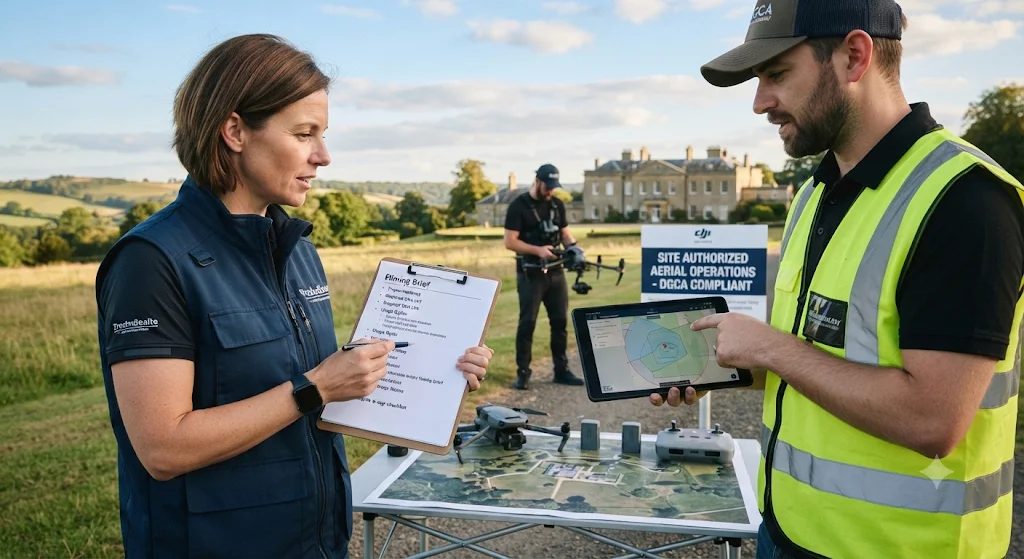
Share the exact GPS coordinates, the site boundaries and safe spots to take off. Then the pilot can check local airspace rules on the DGCA Digital Sky Platform. Say whether you have written permission from the property owner. Also remind the pilot to check the drone’s registration and Remote Pilot Certificate on the same site before flying.
Required shots and video format
Clear technical instructions stop the pilot from giving you low-quality or incompatible files. List the exact camera moves you want, like a slow 45-degree reveal or a smooth side-to-side tracking shot. Also ask for any straight-down 90-degree passes.
Decide the video format early. That means 4K at 30 or 60 frames per second, a 16:9 wide or 9:16 vertical shape, and an MP4 or MOV file. Ask the pilot to set the shutter speed using the 180-degree rule, like 1/60 second at 30 frames per second. Also talk about color profiles. Flat log profiles keep detail in bright areas for heavy color editing. Standard Rec. 709 color saves editing time and money.
Deadlines, usage rights and a template
Deadlines and licence terms protect your schedule and stop arguments after the delivery. Write down your shoot window, a backup date for bad weather and the deadline for the final files in the cloud. Also say whether extra batteries or travel to many places cost extra.
Follow basic copyright ideas from the US Copyright Office, and write down the licence terms. Say whether the pilot gives you a broad commercial licence, or transfers full copyright for the edited and raw files. Copy and change this template before your next shoot:
- Project title and audience: [project name and who will watch it]
- Location and permissions: [address, GPS coordinates and whether the landowner agreed]
- Airspace check: [confirm the airspace was checked on the DGCA Digital Sky Platform]
- Required shots: [3 to 5 angles, heights in meters and camera moves]
- Video format: [resolution, frame rate, shape, color profile and file type]
- Dates: [main shoot date, rain backup date and file deadline]
- Usage rights: [commercial rights and who owns the raw footage]
Check the brief before shoot day
Send this written brief at least forty-eight hours before the flight. That gives the pilot time to plan the flight paths, charge extra batteries and check the weather. A clear brief means no guessing on site, protects your budget and gets you usable footage on the first shoot.