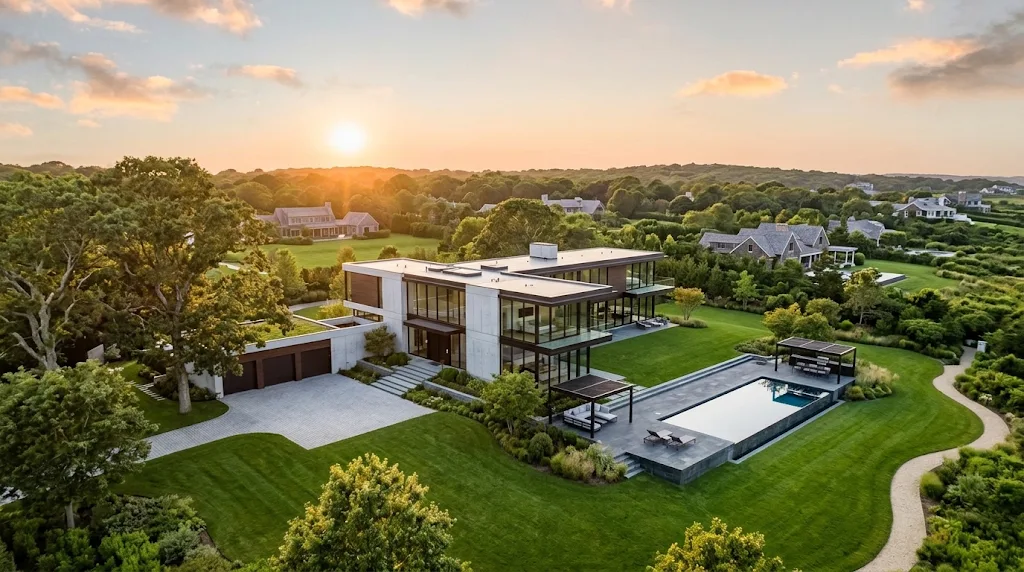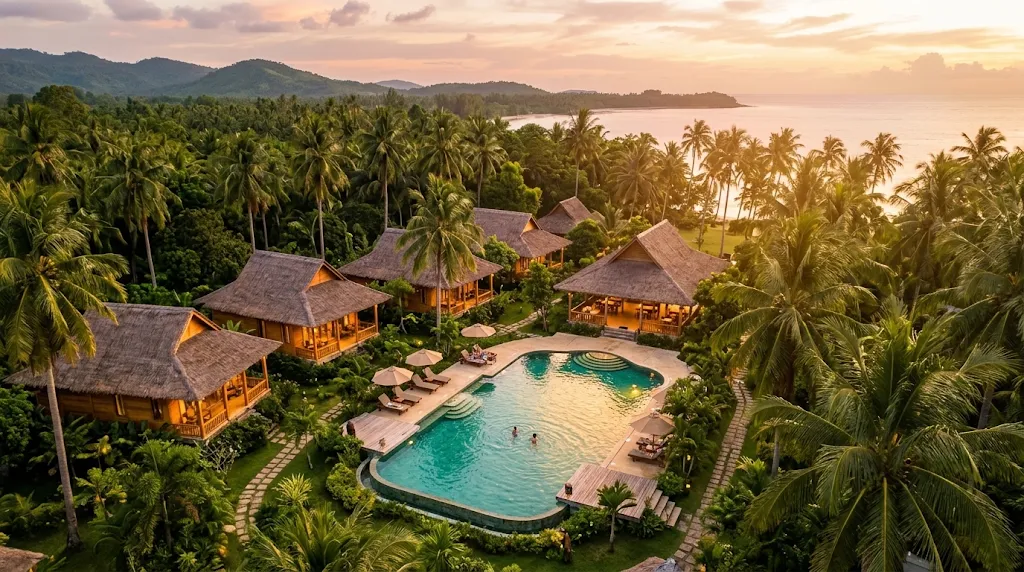
Making a promo drone video for a homestay or small resort is a really fun project to work on. Instead of just showing off cool acrobatic flying tricks in the air, your main goal is to make the venue look relaxing, comfortable, and inviting so people watching will want to book a vacation. Creating a great commercial video takes a clear step-by-step plan, starting with your very first chat with the resort owner all the way to editing the clips on your computer.
Talking to the Owner and Flight Prep
Before turning on your drone motors, sit down with the owner for a quick planning chat to learn what makes their place special. Ask them what features set their venue apart from other spots nearby. Is it the quiet outdoor pool, the mountain views from the patio, or the private garden cabins? Knowing their main highlights helps you figure out exactly what to film and when to schedule your flights during the day.
Safety always comes first, so check official FAA Part 107 flight rules before starting your shoot . You also need to plan your flight times around the sun. Flying during golden hour—early in the morning or late in the afternoon—gives the resort a soft, warm glow that looks awesome on screen.
Choosing Simple Camera Settings
To get clear, smooth video clips, you need to set up your camera before taking off. Beginners often notice that basic cameras recording in standard formats can struggle to show rich colors during sunset or clear details in shaded trees. If your drone camera supports higher color settings, using them will give you way more freedom to adjust brightness and colors later when editing.
Set your camera to shoot in crisp high definition at sixty frames per second. Shooting at this higher frame rate lets you slow down your footage in your editing software to create super smooth, cinematic slow motion. Always set your shutter speed to double your frame rate while using a clip-on ND filter to keep the motion looking smooth and natural.
Filming a Simple Three-Shot Sequence
Structure your aerial recording into a smooth, three-shot sequence:
-
The Establishing Shot: Fly backward slowly while keeping your drone at a safe height between 100 and 150 feet to show the full resort alongside the surrounding trees or beach.
-
The Reveal Shot: Move forward smoothly over a row of trees or an entry gate to reveal the main courtyard or guest cabins hidden below.
-
The Orbit Shot: Use your drone's automatic flight modes to fly in a slow, steady circle around key features like the swimming pool or outdoor patio.
Editing the Final Video
Import your video clips into your editing software and keep the final promo short—around forty-five to sixty seconds total. Trim each aerial clip down to just three to five seconds so the video keeps moving along smoothly. Finally, add soft, relaxing background music that matches the calm vibe of the resort.