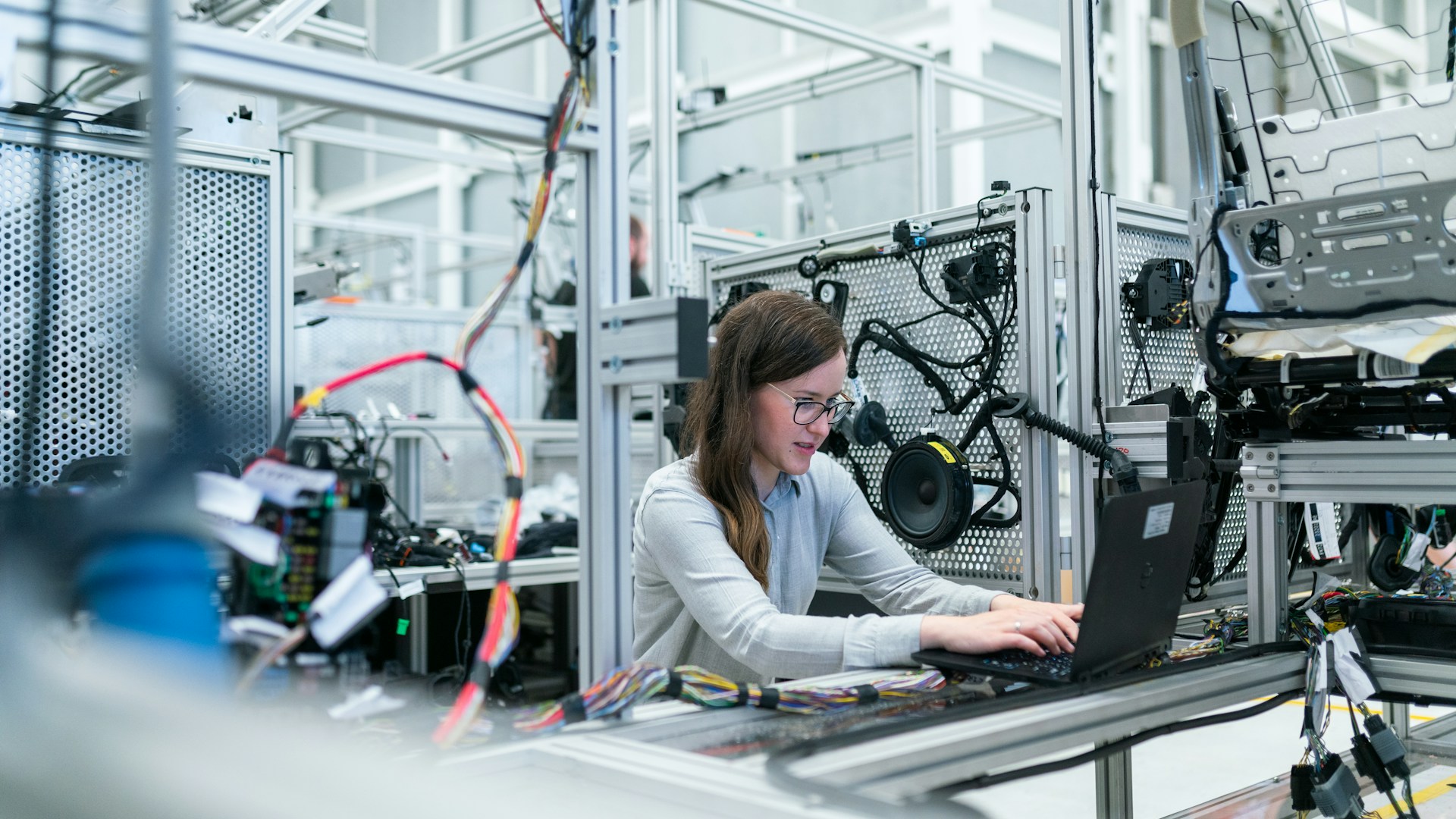
Running an AI chatbot on your own laptop sounds exciting. You can ask questions, create content and use AI tools without sending every request to an online server. This is called local AI processing.
However, not every laptop can run large AI models smoothly. Some laptops may become slow, while others may not have enough memory to load the model. Three important factors affect this process: memory capacity, memory speed and processing power.
Memory Capacity: Why Do AI Models Need So Much RAM?
An AI model contains billions of numbers called parameters. These numbers help the model understand questions and generate answers.
Think of an AI model as a large book. To use it quickly, the computer needs to keep its information ready in memory instead of repeatedly reading it from storage.
For example, an AI model with 8 billion parameters needs approximately 16 GB of memory to store its model weights when using 16-bit precision. Each parameter takes 2 bytes. However, this is only the memory needed for the model weights. The computer also needs extra memory for processing questions and running the AI software. NVIDIA explains that memory requirements depend on the model size and the precision used [1].
This is why laptops with more memory can be useful for local AI. However, having 16 GB, 32 GB or 64 GB of RAM does not guarantee that every model will run smoothly. The amount needed depends on the model and its settings.
Memory Bandwidth: Why Does Speed Matter?
Having enough memory is only part of the job. The laptop must also move information between memory and the processor quickly.
This speed is called memory bandwidth. It describes how much data can move in a given amount of time.
Imagine reading a book. Having the whole book on your desk is helpful, but you still need to turn the pages quickly. AI models face a similar challenge when generating answers.
Higher memory bandwidth can help a system process model data faster. However, actual response speed also depends on the processor, software, model size and other factors. This is why two laptops with the same amount of RAM can deliver different AI performance.
Dedicated VRAM vs Unified Memory
Many Windows laptops use NVIDIA graphics cards with dedicated video memory, known as VRAM. This memory stores data needed by the graphics card for gaming, graphics and AI applications.
If an AI model fits inside the available VRAM, the GPU can work with that data directly. If the model needs more memory, some applications can use system RAM as well. However, moving data between different memory pools can reduce performance [2].
Apple Silicon uses a different approach called unified memory. In this design, the CPU and GPU share the same physical memory. Apple's MLX framework is designed to work with this architecture, allowing supported operations to use shared memory [3].
This can make some local AI tasks easier to manage on supported Mac computers. However, the amount of unified memory still matters, and not every model will run smoothly.
What Are NPUs and Quantization?
Some modern laptops include a Neural Processing Unit, or NPU. It is a processor designed to handle certain AI tasks efficiently while using less power.
NPUs can be useful for supported features such as image processing and other on-device AI functions. However, a large chatbot does not automatically run on the NPU. The software and model must support that hardware. Windows supports AI processing through compatible CPUs, GPUs and NPUs [4].
Another useful technique is called quantization. It reduces the number of bits used to store the values in an AI model. For example, 4-bit quantization stores model weights using fewer bits than 16-bit precision. This can reduce memory use and help larger models run on computers with limited memory. Hugging Face explains how its BitsandBytes tools support 4-bit quantization for large language models [5]. However, the final performance and answer quality depend on the model and quantization method.
What Should You Check Before Buying a Laptop?
If you plan to run AI models locally, check the total RAM, dedicated GPU memory, memory bandwidth and processor support. Also check whether your preferred AI software supports the laptop's hardware.
A laptop with more memory may handle larger models, but memory alone does not guarantee fast results. Cooling, software support and GPU performance matter too.
The Editorial Verdict
Running large AI models on a laptop depends on more than having a powerful processor. Memory capacity helps the model fit, memory bandwidth helps move data, and the GPU or NPU handles supported calculations.
Before buying a laptop, think about which AI tools you want to use. Compare their hardware requirements with the laptop's specifications. This will help you choose a machine that suits your needs and budget.