Why Apple Switched to Its Own Chips
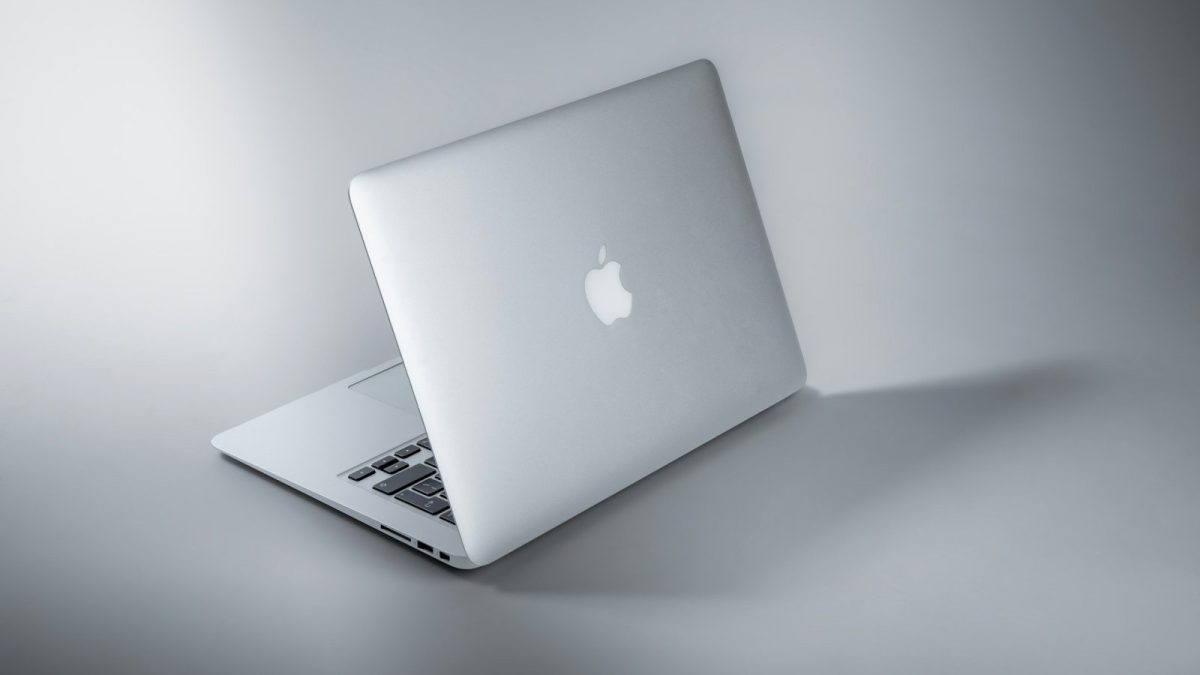
When Apple moved from Intel processors to its own M-series chips, it changed how Macs are designed. The first M1 Macs came out in 2020 and put processing, graphics, and memory technologies together into one tightly connected system. Since then, M2, M3, and M4 have added improvements in performance, graphics, and special processing. But a newer chip isn’t automatically the better choice for everyone. Memory size, cooling, software support, and the kind of work you do all change how it feels to use.
M1: Why Unified Memory Mattered
The M1 brought Apple’s unified memory design to Macs. Its CPU, GPU, and other parts share one pool of memory instead of having separate pools for the processor and graphics. That can cut down on copying data between different memory areas.
Independent testing by Ars Technica found that the first M1 Macs had strong CPU and graphics performance compared with the Intel ones before them. The MacBook Air also showed that an efficient chip could run without a cooling fan. The big change wasn’t just speed. Apple put several parts into one system-on-chip, which helped balance performance and power use.
M2: Better Performance and Media Work
Apple introduced M2 in 2022. It improved CPU and GPU performance, memory bandwidth, and media processing. The base M2 had 100GB/s of memory bandwidth and supported up to 24GB of unified memory. Special media engines also helped speed up some video formats and editing. But how much better it was than M1 depended on the app. People doing everyday tasks might not notice much, while professionals working with heavy video or graphics would.
M3: New Manufacturing and Graphics Features
The M3 generation brought Apple’s 3-nanometre manufacturing to its computer chips. It also added hardware ray tracing, mesh shading, and Dynamic Caching to the GPU. Dynamic Caching manages the GPU’s on-chip memory based on what the graphics job needs. It doesn’t mean the GPU can freely take all of the Mac’s unified memory. Independent coverage pointed out the M3’s big design changes, but the benefits depend on the workload. Ray tracing, for example, only helps in apps built to use it.
M4: More Power for AI
Apple introduced M4 in 2024, first in the iPad Pro and then in Macs. It uses second-generation 3-nanometre technology and has a 16-core Neural Engine that Apple rates at up to 38 trillion operations per second. This hardware can speed up some machine-learning tasks. But 38 TOPS is a theoretical rating, not a promise that every AI app will run that fast.
Independent comparisons also show why the configuration matters. Ars Technica’s analysis of the M4 family found differences in CPU cores, GPU cores, and memory bandwidth across M4, M4 Pro, and M4 Max. So the M4 name alone doesn’t tell you how fast a Mac is.
What Mac Buyers Should Think About
When you compare M-series Macs, look at more than the generation number. Check the unified memory, storage, processor setup, and how the laptop is cooled. A MacBook Air can work well for everyday tasks, programming, and some creative work. People who do long video exports, complex 3D projects, or demanding pro apps might do better with a MacBook Pro that has a stronger chip and active cooling. Software support matters too. Check that the apps you use work on Apple Silicon and take advantage of its special hardware.