Buying a new laptop can be confusing. There are many processor types, graphics options, and technical terms to understand. Knowing the basic differences can help you choose the right laptop without spending money on features you do not need.
Every laptop uses a processor (CPU) to handle everyday tasks and a graphics processor (GPU) to display images, videos, and games. Two important processor designs are x86 and ARM. Laptops also use either integrated or dedicated graphics.
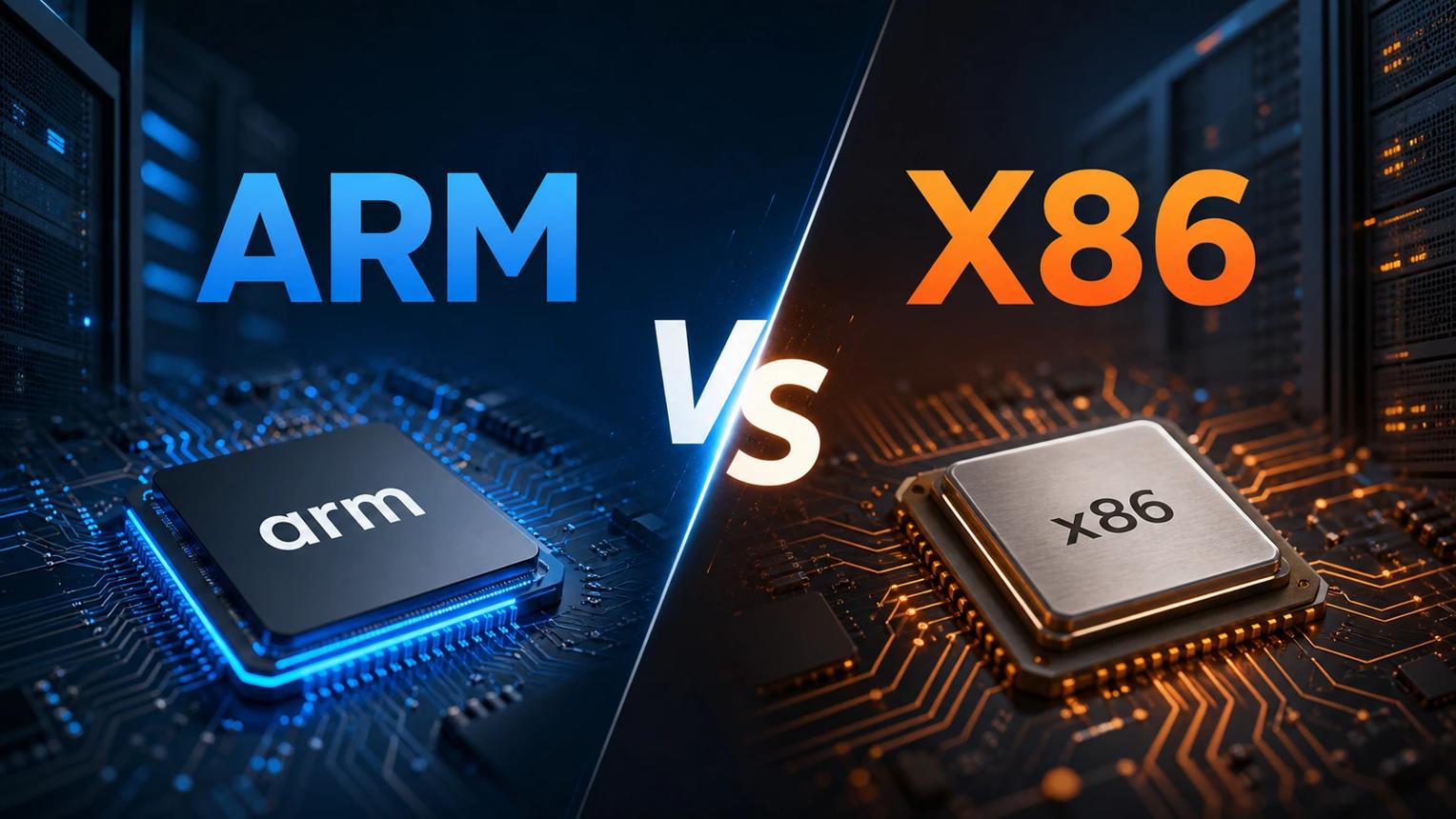
The Battle of Chip Designs: x86 Versus ARM
For many years, most Windows laptops have used x86 processors from Intel and AMD. These processors support a wide range of Windows applications, games, and professional software.
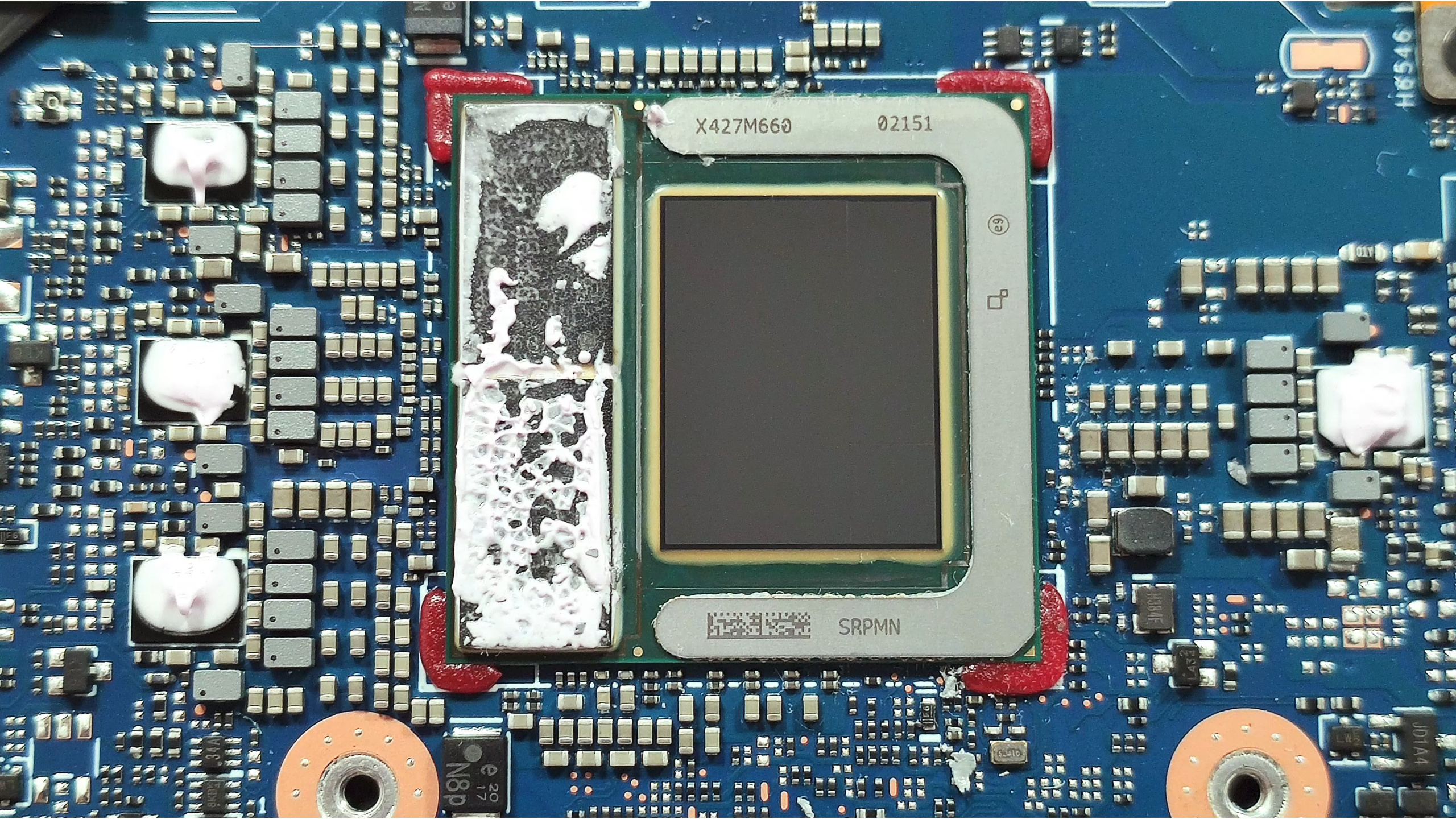
Modern processors also use advanced designs called chiplets. Instead of building everything into one large chip, manufacturers combine smaller parts inside a processor package. Intel uses separate tiles in some Core Ultra processors [2], while AMD also uses chiplet technology in several Ryzen processor families [3]. This helps manufacturers improve performance and production efficiency.
ARM is another processor design that is becoming popular in laptops. Apple's M-series chips and Qualcomm's Snapdragon X Elite are examples of ARM-based processors [1][4].
ARM chips are designed to provide good performance while using less power in suitable devices. For example, Snapdragon X Elite combines a CPU, integrated graphics, and an AI processor in one chip [1].
However, ARM laptops are not always silent or guaranteed to last an entire day on one charge. Battery life depends on the laptop, battery size, software, and how you use it. Buyers should also check whether their important applications and games work properly on ARM-based Windows laptops.
Graphics: Integrated Versus Dedicated GPUs
Laptop graphics come in two main types: integrated graphics and dedicated graphics.
Integrated Graphics: Good for Everyday Use
Integrated graphics are built into the main processor. They handle everyday activities such as browsing the internet, watching videos, attending online classes, and using office applications.
Many Intel and AMD integrated graphics systems use the laptop's main RAM instead of having separate graphics memory [5][6]. Apple silicon also uses unified memory, which allows its CPU and GPU to access shared physical memory [4].
Integrated graphics usually consume less power and help manufacturers build thinner, lighter laptops. They are a good choice for students, office workers, and people who do not play demanding games.
Dedicated Graphics: Better for Gaming and Editing
Dedicated graphics cards are separate processors designed for demanding visual tasks. NVIDIA GeForce RTX laptop GPUs are common in gaming and professional laptops [7].
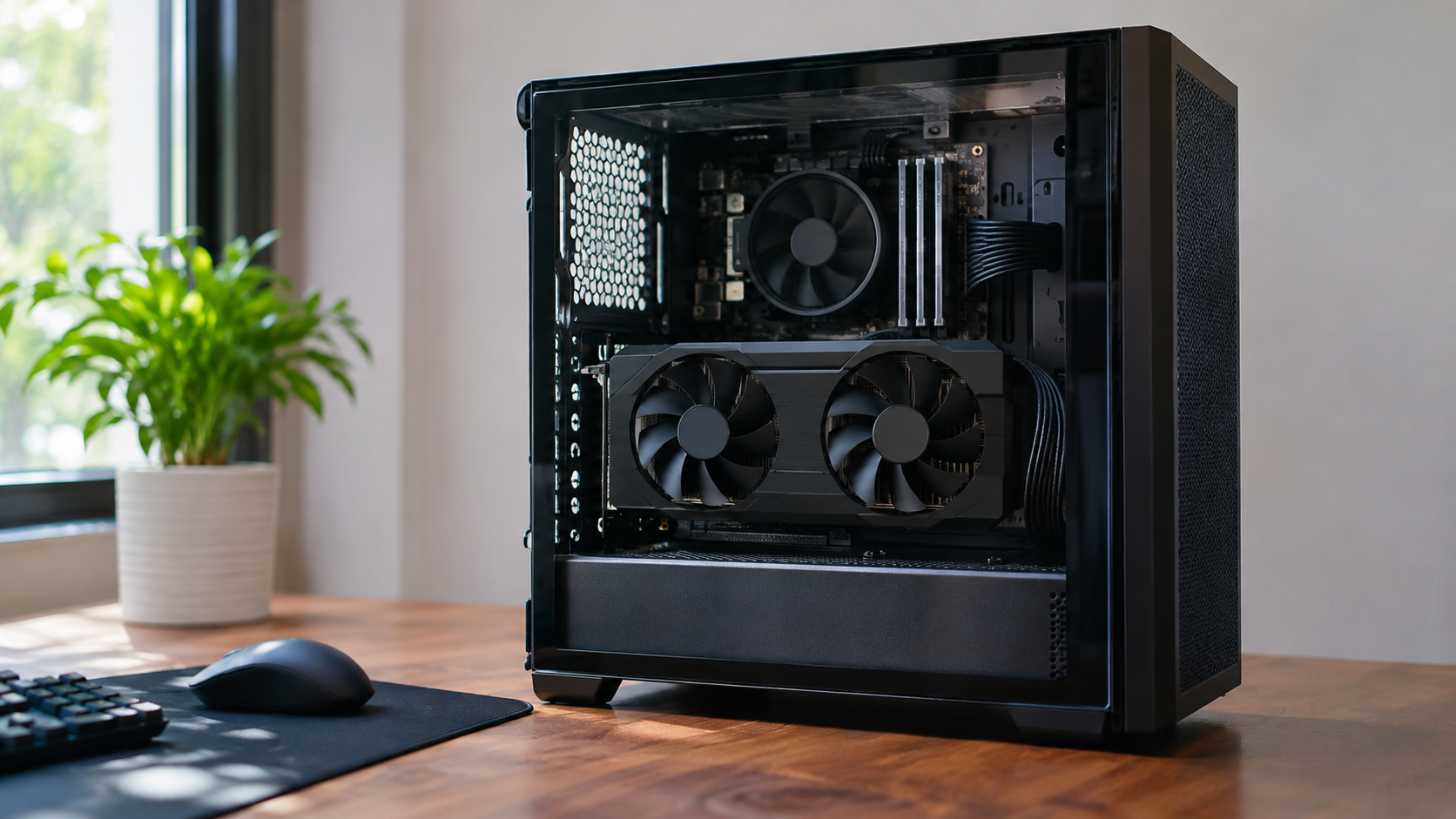
These GPUs generally have their own memory, called VRAM, which helps them handle complex graphics.
Dedicated graphics are useful for playing modern games, editing high-resolution videos, creating 3D designs, and running demanding creative applications.
However, they usually consume more power and produce more heat than basic integrated graphics. This means gaming laptops often need stronger cooling systems and larger batteries.
GPU performance also varies between laptop models. Buyers should compare graphics memory, power limits, cooling, and real-world performance rather than choosing a laptop based only on its GPU name [7].
Real-World Scenarios: What Should You Choose?
1. Students and Everyday Workers
If you mainly attend online classes, write documents, browse websites, and watch videos, a modern processor with integrated graphics is usually enough.
For everyday use, battery life, laptop weight, screen quality, and sufficient RAM may be more important than expensive gaming graphics.
2. Gamers and Video Creators
If you play demanding games, edit videos, or create 3D animations, a laptop with a dedicated GPU is a better option.
NVIDIA RTX graphics also support features such as ray tracing and DLSS in compatible games and applications [7]. However, check the processor, cooling system, and memory before purchasing.
The Editorial Verdict: Choose What You Actually Need
Not everyone needs an expensive gaming laptop. For students, office workers, and general users, a modern processor with integrated graphics and 16 GB of RAM is a practical starting point.
Developers, gamers, and creative professionals may benefit from dedicated graphics and 32 GB of RAM or more, depending on their applications.
The best laptop is not necessarily the one with the most powerful processor. It is the one that provides the right balance of performance, battery life, and price for your needs.