For many years, most personal computers used processors based on an architecture called x86. Intel and AMD built processors using this design, which became popular in desktops and laptops.
Today, another architecture called ARM is becoming more common in laptops. Apple's move to Apple Silicon showed that ARM-based processors could deliver strong performance in portable computers. Qualcomm has also introduced ARM-based processors for Windows laptops.
So, what is the difference between ARM and x86? And which one should you choose?
What Is the Difference Between ARM and x86?
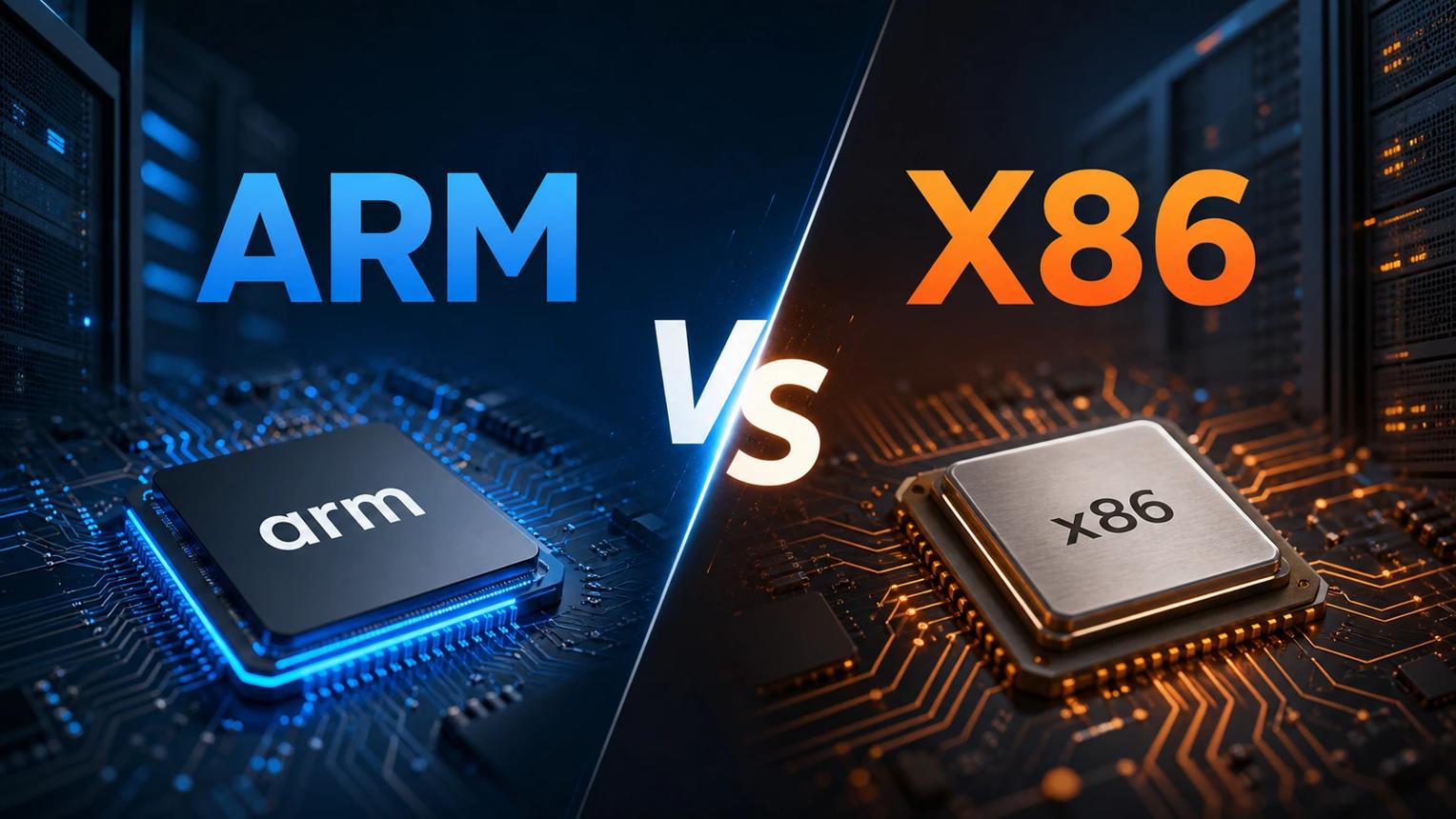
ARM and x86 are two different processor architectures. Both tell a processor how to understand and carry out instructions from software.
Intel and AMD are well-known makers of x86 processors. Their chips are used in many gaming laptops, office computers and workstations.
ARM processors are designed using technology licensed from Arm. Examples include Apple's M-series chips and Qualcomm's Snapdragon X Elite processors [2, 4].
One important difference is how these processors are designed. ARM processors often focus on power efficiency, while x86 processors have a long history of supporting a wide range of PC software.
However, neither architecture is automatically faster in every situation. Actual performance depends on the processor model, cooling, software and type of work.
Battery Life and Heat: What Should You Expect?
Battery life is an important part of choosing a laptop. ARM processors are often designed to use power efficiently. This can help manufacturers build thin laptops with good battery life.
Apple's Mac computers with Apple Silicon are examples of ARM-based computers that combine performance with power efficiency [4].
But ARM does not mean a laptop will always stay cool or last an entire day. Heavy gaming, video editing and other demanding tasks can still use a lot of power.
Some modern Intel x86 processors use a hybrid design. They combine Performance-cores (P-cores) for demanding tasks with Efficient-cores (E-cores) for lighter workloads. This design helps balance speed and power use [5].
When comparing laptops, check independent battery tests instead of judging performance only by the processor architecture.
Software Compatibility: Native Apps vs Emulation
Software compatibility is one of the biggest things to consider when buying an ARM-based Windows laptop.
Many older Windows programs were originally made for x86 processors. Windows on ARM can run many of these programs through software emulation.
Microsoft includes Prism emulation technology in Windows 11 version 24H2. It helps supported x86 and x64 applications run on ARM-based computers by translating their instructions [1].
Prism is built into Windows. It is not a separate application that users need to install.
Many popular programs also have native ARM versions. These are built specifically for ARM processors and can offer better performance and efficiency.
However, some older programs, hardware drivers and specialist tools may not work properly. Microsoft explains that hardware drivers need ARM64 support and cannot simply depend on Prism emulation [1].
Which Laptop Should You Choose?
An ARM-based laptop can be a good choice if you mainly browse the internet, attend online classes, write documents and use popular productivity apps. Battery life and portability may be important advantages.
An x86 laptop may be a safer choice if you depend on older Windows programs, specialised engineering tools, certain games or hardware that needs specific drivers.
Before buying, check the exact processor, software compatibility, battery tests and upgrade options.
The Editorial Verdict
ARM and x86 processors both have useful strengths. ARM laptops offer attractive power efficiency and are gaining software support. x86 laptops continue to provide broad compatibility with traditional PC applications.
There is no single winner in the ARM vs x86 comparison. The right choice depends on the programs you use, the performance you need and how long you want your laptop to run away from a charger.