Buying a laptop today is not always easy. Product specification pages are full of technical terms like NPU, TGP, OLED, and ARM. These abbreviations can make even a simple shopping decision confusing.
You do not need to be a computer expert to understand them. Each term simply describes a physical part of the laptop that directly affects your speed, battery life, graphics, or screen quality. Here is a clear guide to what these terms mean and why they matter before you spend your money.
ARM vs x86: Two Ways to Build a Processor
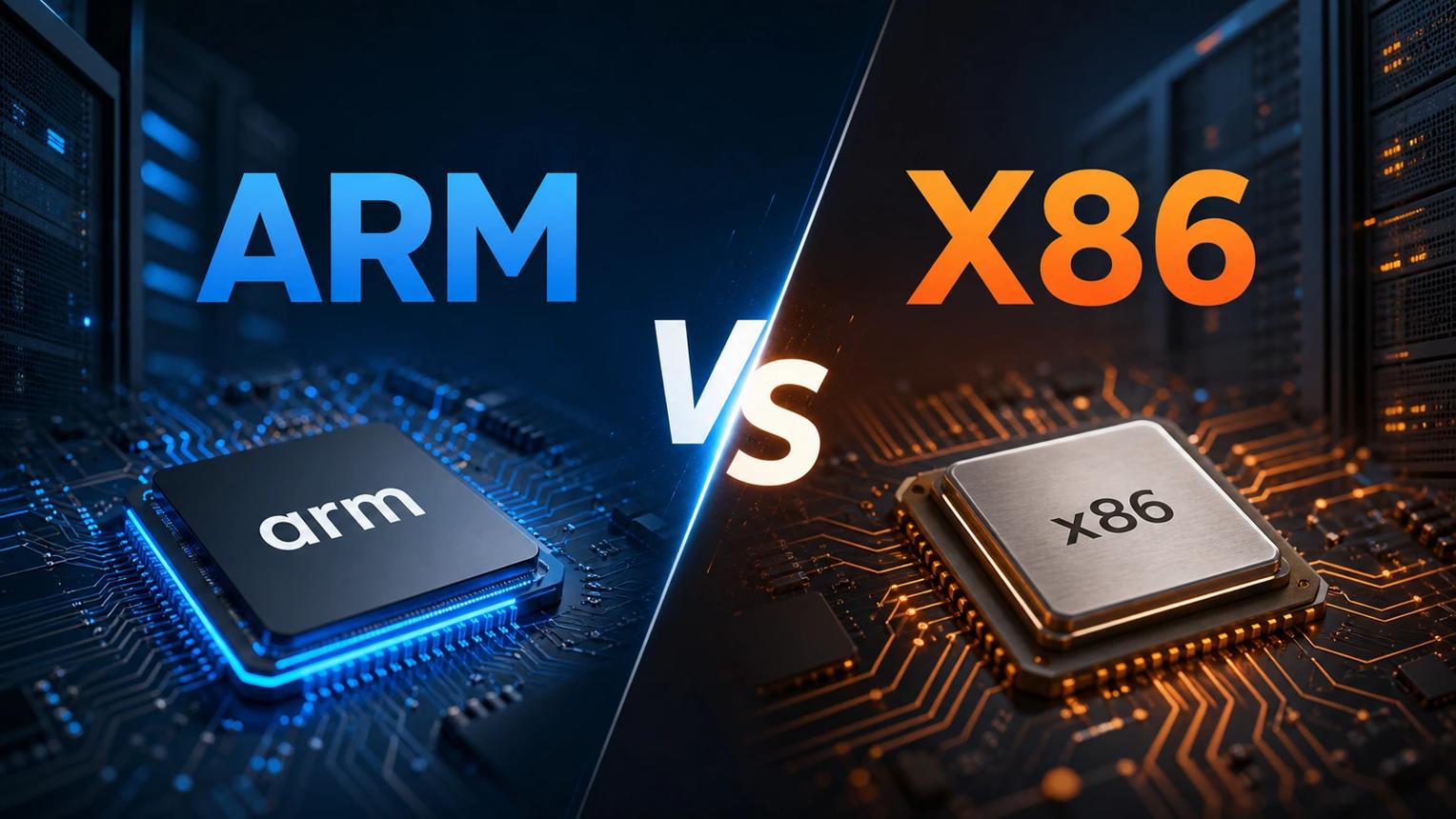
For many years, most Windows laptops used x86 processors from companies like Intel and AMD. These traditional chips can run a wide range of computer programs, including decades of older legacy applications.
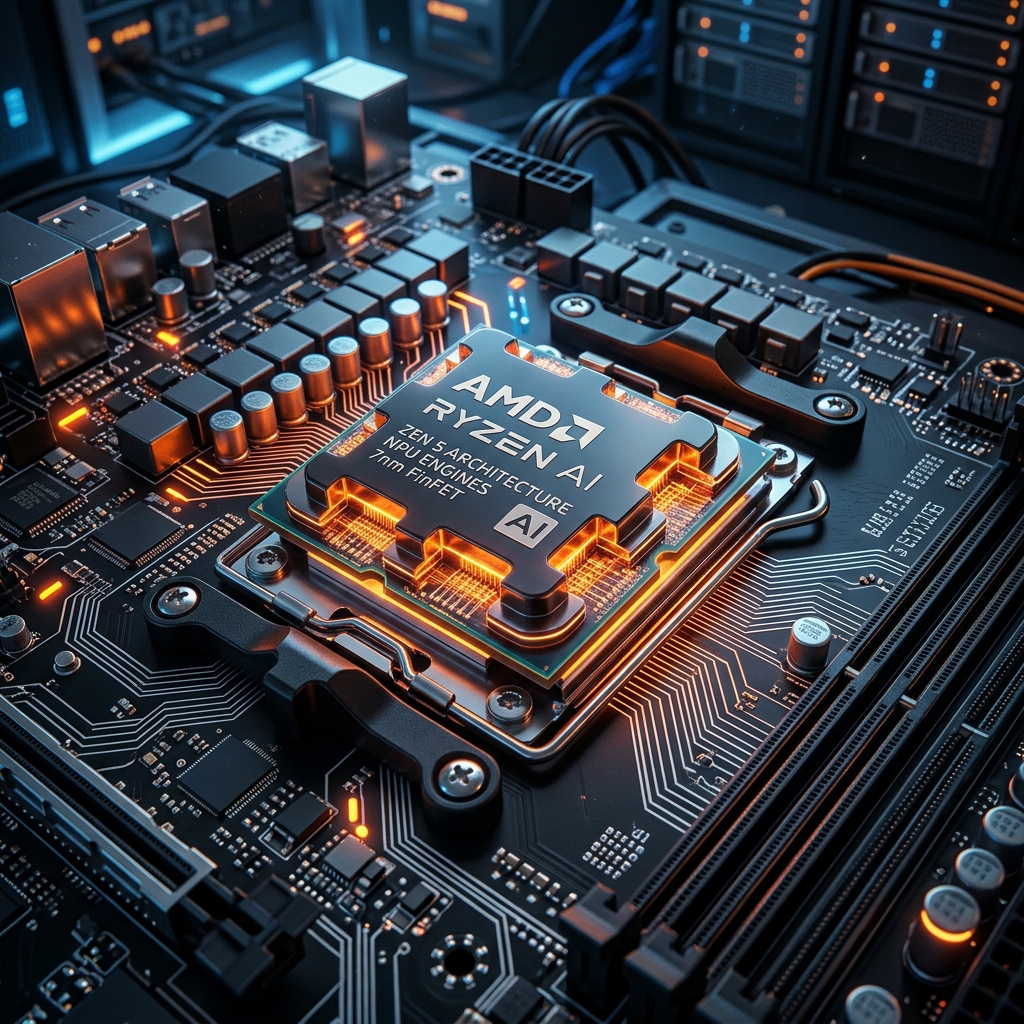
Some modern x86 processors use a design called chiplets. Instead of building the entire processor as one large piece of silicon, manufacturers connect smaller specialized parts inside one package. Each part handles a different job, giving chip makers flexible ways to build and improve processors [5].
ARM is an alternative processor architecture widely used in smartphones, tablets, and modern laptops. Qualcomm's Snapdragon X Elite is a prominent example of a laptop processor built on ARM technology [1]. ARM chips are designed to use simpler instructions, allowing laptops to consume less electrical power and run much longer on battery. However, real-world battery life also depends on screen brightness, cooling, and workload. An ARM processor does not automatically mean that a laptop is faster or more efficient than every x86 laptop.
Why the Same Graphics Chip Can Perform Differently
Have you ever seen two laptops with the exact same graphics chip but completely different gaming performance? One major reason is TGP, which stands for Total Graphics Power.
TGP describes the maximum electrical power available to a laptop's graphics system. According to NVIDIA's official laptop graphics documentation, laptop makers configure different power limits based on the laptop's chassis thickness and cooling design [2].
A larger gaming laptop has more room for copper heat pipes and cooling fans. This allows its graphics chip to use more wattage for sustained periods. A thinner laptop must use a lower power limit to control heat. This is why a graphics chip's model name does not tell the whole story; always check the specific TGP wattage rating before purchasing.
What Is an NPU and Why Does Memory Matter?
According to Qualcomm's official processor architecture documentation, an NPU, or Neural Processing Unit, is a specialized silicon engine designed to handle artificial intelligence tasks efficiently [1]. In everyday laptop use, an NPU powers features such as camera background blur, microphone noise removal, and live speech translation without placing heavy loads on the CPU or GPU.
Memory matters too. When a laptop runs an AI model locally, it needs fast system RAM to store and move the model's data. According to Microsoft's platform hardware documentation, 16GB of RAM is the recommended baseline for everyday laptop use, smooth multitasking, and on-device AI features [4]. Users who edit 4K video or run demanding engineering software usually require 32GB.
OLED vs Mini-LED: Understanding Laptop Screens
OLED and Mini-LED are two leading screen technologies found in modern premium laptops.
On an OLED screen, each individual pixel produces its own light. Pixels can switch off completely when showing black, giving OLED screens deep, ink-like blacks and infinite contrast. Mini-LED screens use thousands of microscopic lights behind the display, grouped into dimming zones. Mini-LED screens can reach extraordinary brightness levels, but they do not control light at the individual pixel level like OLED. Organizations like VESA test and certify these screens under the DisplayHDR program to help buyers verify display quality [3].
The Editorial Verdict: What Should You Check?
Do not choose a laptop based only on one big marketing number or a popular chip brand. Match the hardware to your daily routine. Students benefit most from power-efficient ARM processors and bright screens. Gamers require higher graphics TGP wattage and strong cooling fans. People working with AI tools should verify at least 16GB of fast memory. Understanding these basics ensures you spend your money wisely on a laptop that performs reliably for years.