You hit Pay, the OTP doesn't show up, and a 30-second timer starts eating your patience. Anyone who shops online in India has been there. Passkeys are meant to end that wait, and the password you typed before it, by letting your fingerprint or screen lock do the work instead.
What a passkey actually is
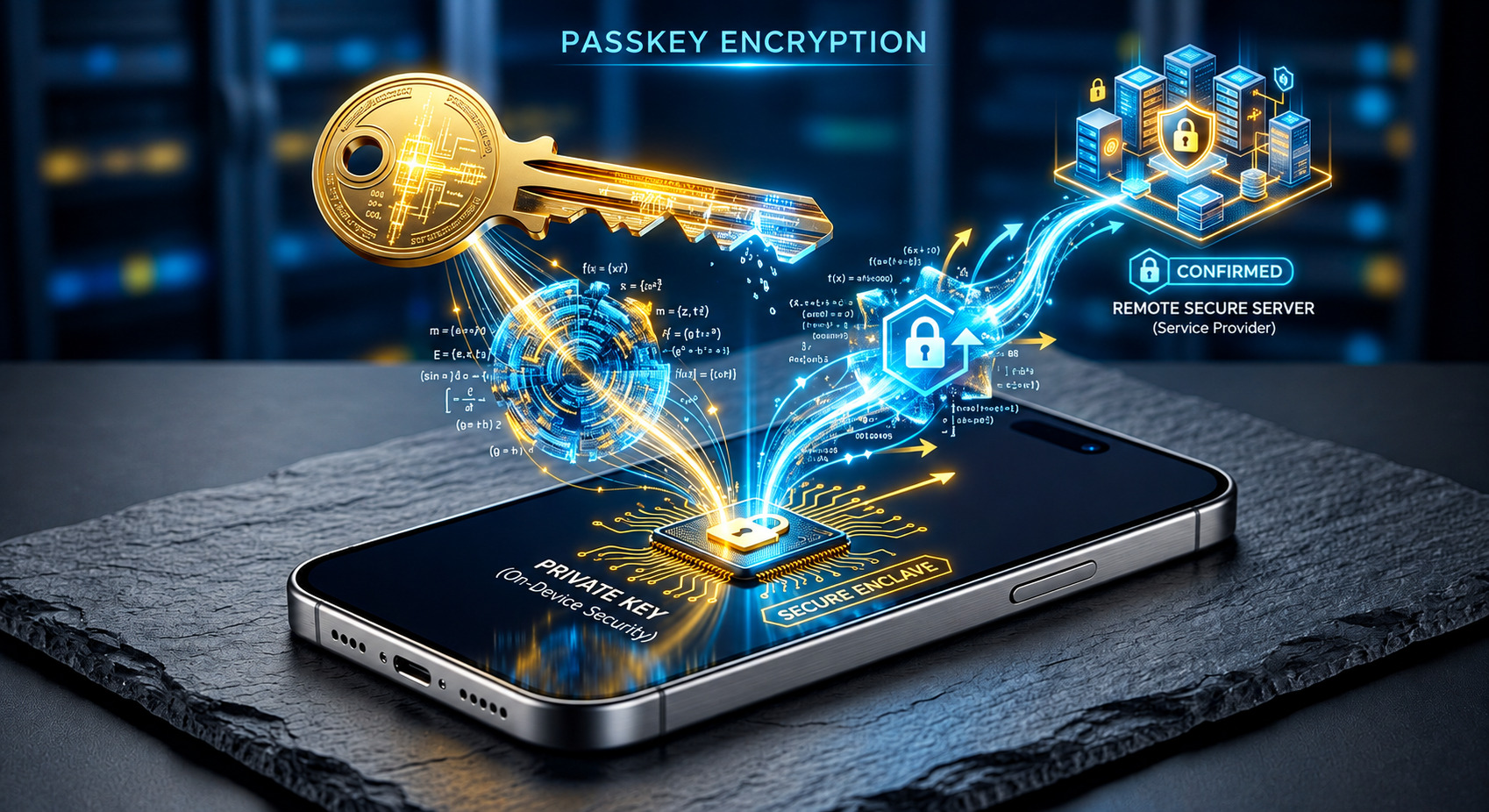
When you set one up, your phone or laptop creates a pair of keys that are mathematically linked. The public one goes to the website. The private one never leaves your device, and it only works after you unlock it with a fingerprint, your face or your screen PIN.
Signing in is a quick exchange. The site sends a random challenge, your device signs it with the private key, and the site checks that signature using the public key. Your secret never travels anywhere, so there's nothing to type and nothing to intercept on the way.
Why attackers struggle with it
Two things make passkeys hard to steal. A website only stores the public key, which is useless on its own, so a breach doesn't leak your login the way a dumped password list does. And a passkey is tied to the real site's address. A fake page can copy your bank's look perfectly well, but your device simply won't respond to it. That's what "phishing-resistant" means in practice. If someone steals your phone, they still need your fingerprint or PIN.
There's a limit, though. Passkeys protect the sign-in step. If a scammer talks you into approving a payment or sharing your screen, no cryptography can help you.
Where you can use one today
Google, Apple, Microsoft and Amazon all support passkeys. Amazon says 465 million of its customers use them, but that's the company's own figure.
India's biggest move so far is in payments. On 2 July 2026, Visa launched Visa Payment Passkey with IDFC FIRST Bank. Select cardholders can approve online payments with their phone's unlock method instead of an OTP at merchants like Myntra, Paytm and MakeMyTrip. Visa says it's built on FIDO standards, the industry framework behind passkeys.
Coverage is still patchy, though. Corbado, a company that sells passkey software, says most large Indian banks still use a user ID, password and OTP. That's one vendor's view, but it matches what many of us still see on bank login pages.
What happens if you lose your phone
It depends on what kind of passkey you have. Most are synced, meaning they're saved in iCloud Keychain, Google Password Manager or a manager such as 1Password or Bitwarden. Sign in to that account on a new phone and your passkeys come back.
Apple encrypts the keychain end to end. If every device is gone, you prove who you are with your Apple Account, answer an SMS sent to your registered number, and enter a device passcode. You get ten attempts before the recovery record is destroyed. You can also name a recovery contact who can help you through it. Google asks for your Google Password Manager PIN, or the screen lock of another device, when you start using passkeys on a new one.
Device-bound passkeys, like those on some security keys, don't sync at all. They vanish with the hardware.
The weak spot nobody mentions
In that case you're back to the website's ordinary recovery process, usually an email or an SMS. That is the real weak link. The passkey itself may be rock solid, but if your recovery number belongs to a SIM you no longer have, you could be locked out for days.
So do the boring setup before you need it. Add a passkey on a second device. Save the recovery codes if a service offers them. Keep your recovery number and email up to date. If a phone goes missing, sign in from another device and remove its passkey from your account settings. Google's help page also suggests signing out of any sessions on the lost device.
Passkeys are safer than passwords, but you only get that safety back after a lost phone if you set up your backups first.