What Is Nod? A Beginner’s Guide to Getting Started
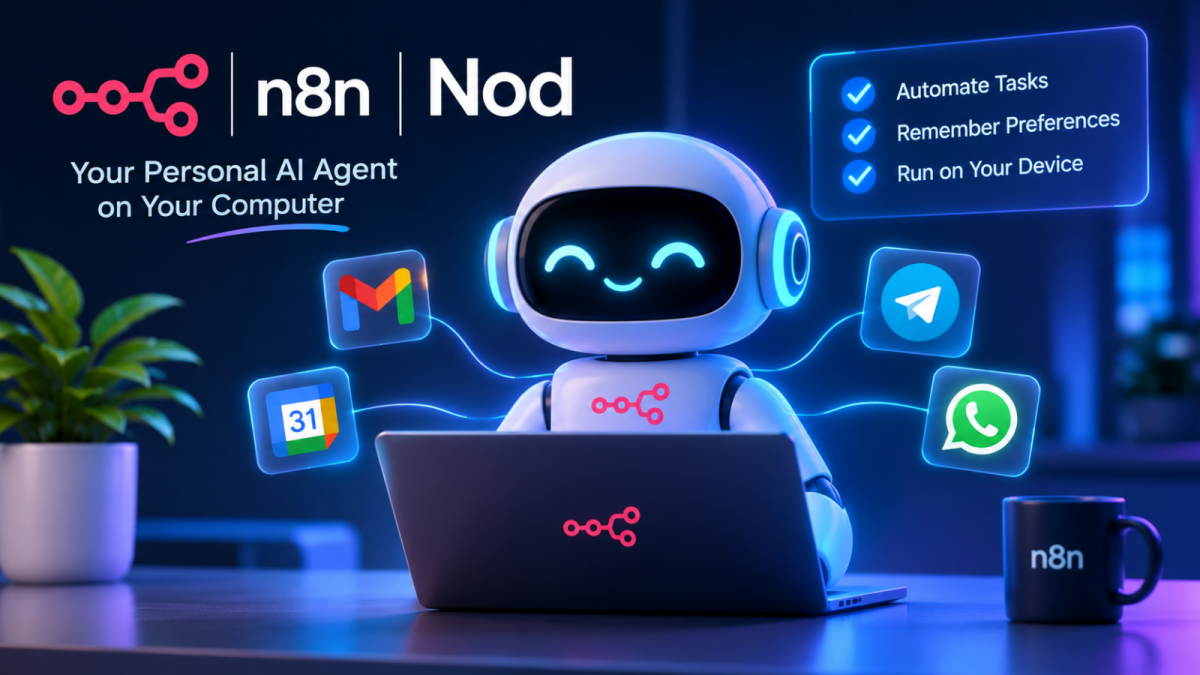
Nod is a free, open-source personal AI agent from n8n Labs. It launched on 10 November 2026 as a research preview for Mac and Windows. It can work in your apps and on websites from a private sandbox on your computer. It remembers your preferences between chats and can run tasks on a schedule. This guide shows how to get started in about an hour.
What you need
You need a Mac or Windows computer, and an account with an AI provider. Nod is free under the Apache 2.0 license, so you only pay your model provider. You don’t need an n8n account.
Step 1: Download the app
Go to nod.n8n.io and download the version for your computer. Install it like you would any other app.
Step 2: Choose your AI provider
During setup, Nod asks which AI model should power it. You can use an API key, a ChatGPT plan, or a local open-source model. If you’re new to this, just use whichever account you already have.
Step 3: Connect Gmail or Calendar
Only connect the apps your first task needs. Gmail or Google Calendar is a good place to start. Skip the rest for now, because you can add more later.
Step 4: Add Telegram or WhatsApp
This step is optional. It lets you message Nod from your phone, like asking it to chase an unpaid invoice or cancel a subscription. Telegram is the safer choice. Nod’s docs warn that its WhatsApp connection uses an unofficial client. It can break after WhatsApp updates, and there’s a risk your account could get restricted.
Step 5: Give it one low-risk first job
Pick something small that can’t cause any harm. For example:
- “Summarize my unread emails from today.”
- “Tell me what’s on my calendar tomorrow.”
Check the result and look at the usage screen to see what it did. Once you trust it, you can try bigger tasks.
A quick note on privacy
Nod’s database, files, memory and saved logins stay on your machine. Your chosen AI provider still gets the information it needs for each task. If you use a local open-source model, that information stays on your computer.
Keep your expectations realistic
Nod is a research preview, so expect some rough edges. You might see a “98% task completion” number online. It looks like a benchmark claim from n8n, and it’s not clear what it measures. Be careful with it, and judge Nod by your own tests.