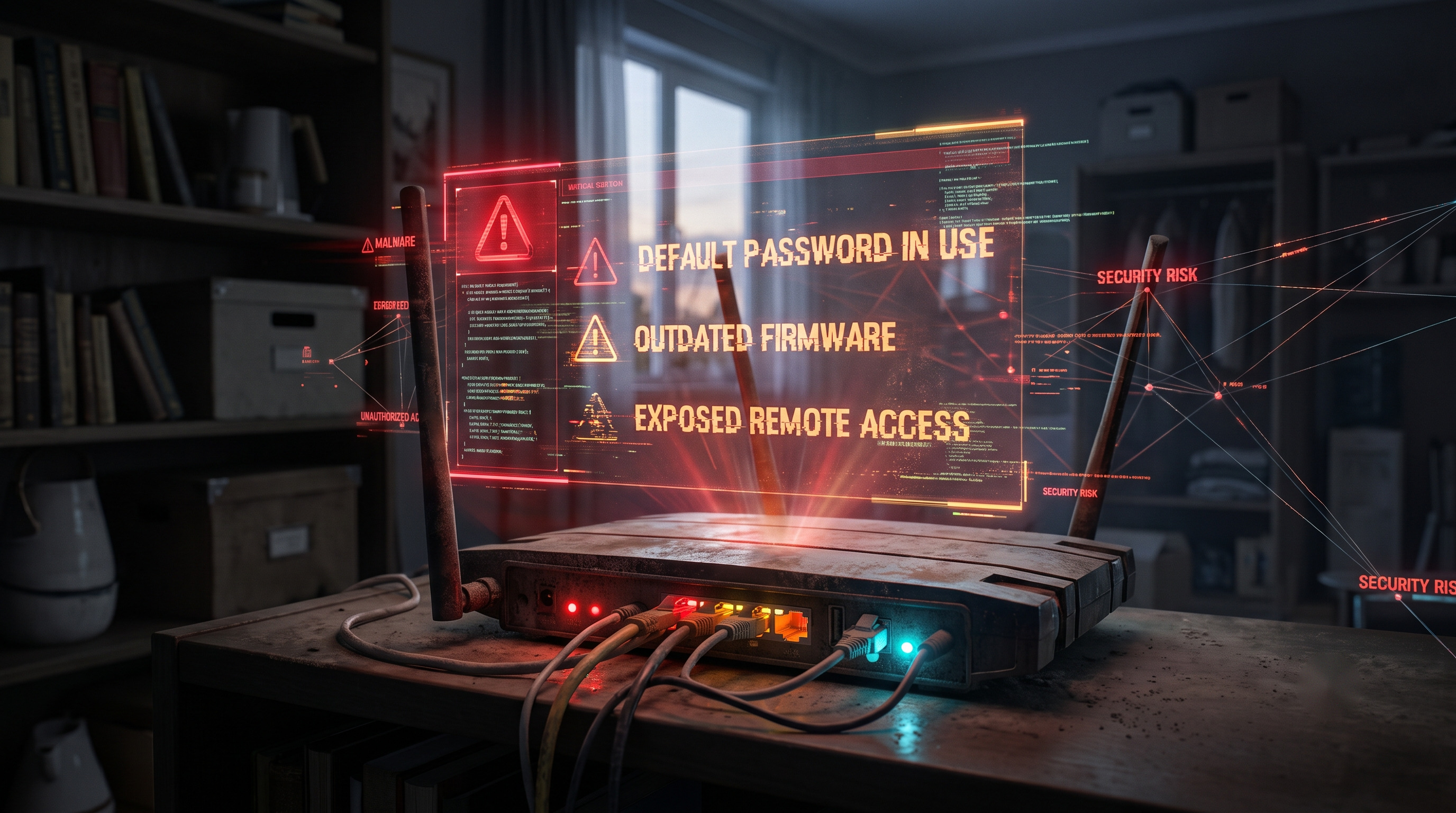
Your router connects almost every device in your home. Most of us set it up once and rarely check it again. But a router is a small computer running firmware, and like any software, it can develop security flaws over time. Attackers scan the internet for devices that have been left vulnerable.
Default passwords: the oldest problem
The clearest evidence comes from the Mirai botnet. A peer-reviewed study at USENIX Security 2017 tracked Mirai's growth to a peak of about 600,000 infections, mostly involving embedded and IoT devices. The paper describes how the malware used a built-in list of 62 username and password combinations to find vulnerable devices. Mirai targeted devices such as cameras, DVRs, routers and other IoT equipment, so the 600,000 figure should not be interpreted as the number of infected home routers. (USENIX Security, 2017)
A factory login such as "admin/admin" left unchanged can make a device easier to attack. Singapore's Cyber Security Agency advises users to replace default passwords with strong, unique passwords. (Cyber Security Agency of Singapore, 2024)
Outdated firmware: when updates simply stop
The FBI's May 7, 2025 alert describes TheMoon malware, which has been associated with compromised routers since 2014. The alert says variants of TheMoon were used against end-of-life routers and warns that older routers may no longer receive security updates. Some compromised end-of-life routers were also found with remote administration enabled. (FBI IC3, 2025)
This is why a strong password does not fully protect an old router. If the manufacturer has stopped providing security updates, known vulnerabilities may remain unpatched.
Remote access: the door you may not know about
Remote management allows a router's settings to be accessed from outside the home. It can be useful in some situations, but if you do not need it, disabling remote management can reduce the router's exposure.
The risk is not limited to cybercriminal groups. On April 7, 2026, the FBI reported that Russian GRU actors had exploited vulnerable routers worldwide, including TP-Link routers affected by CVE-2023-50224. US authorities and partners also disrupted part of the infrastructure associated with the activity. (FBI IC3, 2026; NSA, 2026)
Because affected models and firmware versions can vary, users should check security advisories from their router manufacturer.
What is proven, and what is not
Proven: criminals have exploited vulnerable and end-of-life routers, and US government agencies have publicly warned about these attacks. Proven: insecure default credentials played a major role in the spread of Mirai.
What is not known is how many ordinary home routers in India have actually been compromised. An old router is not automatically infected, and a compromised router may not show obvious signs. Treat the age and support status of a router as risk factors, not proof that the device has been attacked.
What to do now
Log in to your router's administration page. Change the administrator password to a long, unique password and do not reuse your Wi-Fi password. Find the exact model number and check the manufacturer's support page for available firmware updates and information about end-of-support dates.
If remote management is enabled and you do not need it, turn it off. If your router came from your broadband provider, ask whether the provider manages its firmware and whether the model is still supported. The FBI also recommends updating firmware, changing default credentials and disabling remote management where possible. (FBI IC3, 2026)
If the manufacturer no longer provides security updates, replacing the router is the safer option. After making the changes, reconnect your devices if necessary.
For Indian users, the key takeaway is simple: a router that works normally is not necessarily a secure router. Check its support status periodically, install security updates when available, disable unnecessary remote access and replace devices that have reached the end of their security-support period.