Yes, for most people it does, as long as it’s set up with some care. Humans are poor at remembering dozens of long, unique passwords, so we reuse them, and reuse is exactly what attackers count on.
What a Password Manager Actually Does
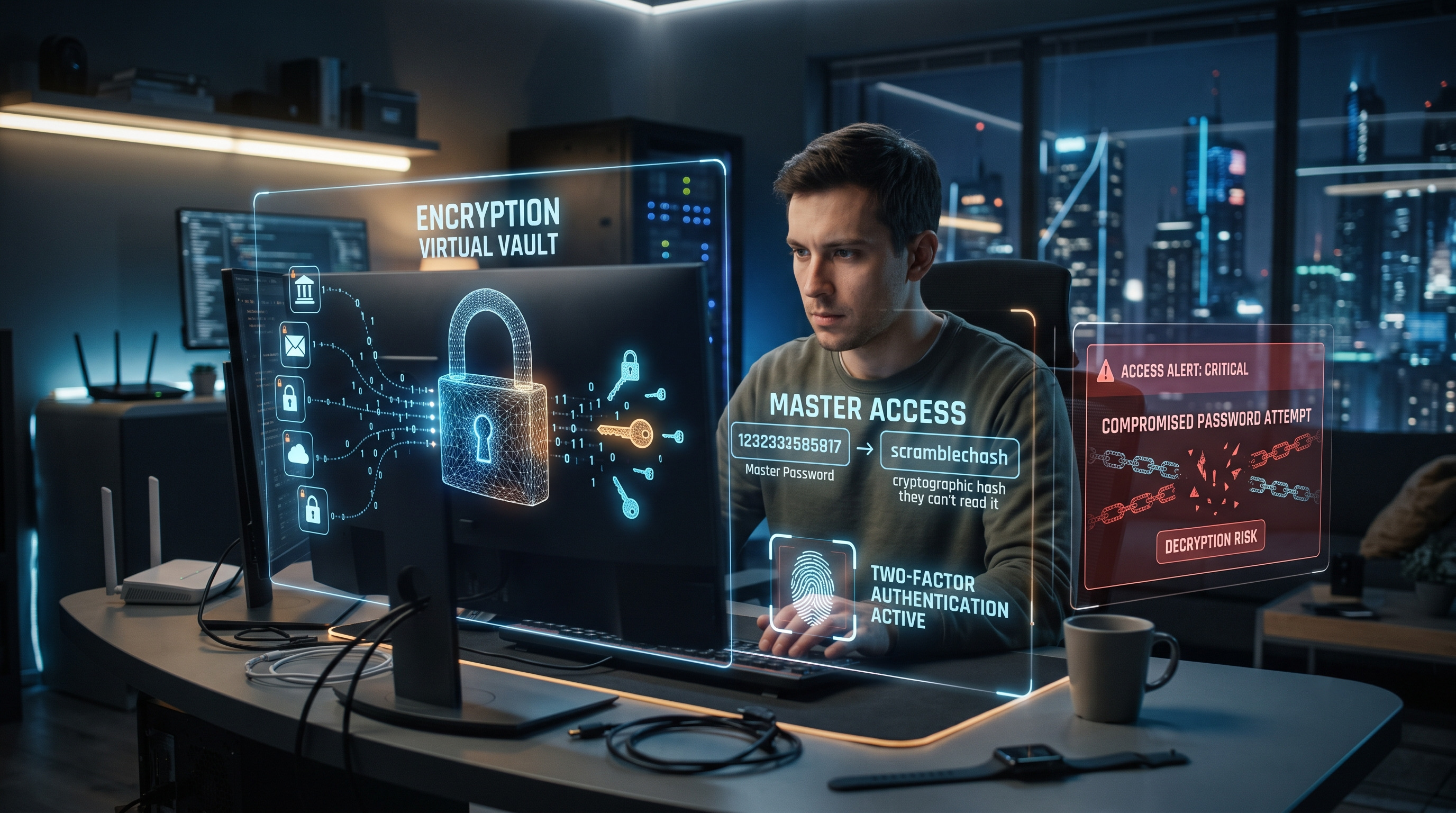
A password manager is an encrypted vault that stores your logins and fills them in for you. You remember one strong master password, and the software handles the rest, including generating long random passwords you would never memorize. Most reputable managers use a “zero-knowledge” design: your vault is encrypted on your device, using a key derived from your master password, before it syncs to the company’s servers. The company holds scrambled data it cannot read.
Autofill helps in a way people overlook. A manager matches a saved login to the website’s exact address, so on a lookalike phishing page it simply won’t offer your credentials. That quiet mismatch is often the warning you needed.
Why It Improves Your Odds
Verizon’s 2024 Data Breach Investigations Report found that stolen credentials played a role in almost one-third (31 percent) of breaches over the previous 10 years. When every account has its own random password, one leaked site no longer unlocks your email, bank, and shopping accounts.
Official guidance points the same way. CISA recommends using password managers as part of its Secure Our World guidance, while the UK’s National Cyber Security Centre recommends password managers for secure password storage where appropriate. NIST’s digital identity guidelines (SP 800-63B) also tell websites to allow pasting into password fields so that password managers can work.
What Happens If the Master Password Is Compromised?
This is the real weak point. If someone gets your master password and can reach your vault, they can open everything inside it. How bad that gets depends on what else they need.
If an attacker has only your master password but not your second factor, a properly configured account should still block the login. If they steal the encrypted vault itself, everything rests on how hard your master password is to guess. That’s what made the 2022 LastPass breach so worrying: attackers copied customer vault backups. LastPass said the vaults were encrypted but that some data, such as website addresses, was not. Researchers warned that people with weak master passwords were most at risk of offline cracking, while strong ones held up far better.
If you suspect compromise, change the master password immediately, then change the passwords for your most sensitive accounts, email and banking first, and review the manager’s login history.
How to Choose One Carefully
Look for a manager with independent security audits and published results, well-regarded encryption such as AES-256, and modern key-stretching like Argon2 or a high PBKDF2 setting. Bitwarden is open source and supports Argon2id, while 1Password adds a locally generated Secret Key to your master password, making a stolen vault alone far harder to crack. How a company handled past incidents matters as much as its feature list.
Built-in managers from Apple, Google, and Microsoft are reasonable if you want simplicity and live in one ecosystem, though dedicated tools usually give you more control across devices.
How to Use It Well
Make your master password a passphrase of several randomly selected words, following the approach recommended by the Electronic Frontier Foundation's Diceware guidance. EFF currently recommends a six-word passphrase generated from its long wordlist. Keep it long, memorable, and unique to the manager.
Turn on two-factor authentication for the manager itself, preferably with an authenticator app or hardware security key rather than text messages. Store your recovery codes offline, since losing both your master password and your recovery options can lock you out permanently.
Then actually use it: let it generate passwords for new accounts and gradually replace old, reused ones, starting with email. Where sites support passkeys, adopt them, since they resist phishing by design.
A Password Manager Is Not Magic
A password manager is not magic, and it concentrates risk in one place. But that one place is far easier to defend than fifty reused passwords scattered across the internet.